Copy library / Guides / Meta Muse
Connecting Muse to your own MCP server: add its callback URL
# 把 Muse 接入自建 MCP:需加回调地址

Source: https://github.com/kan/wema-kake/pull/103

Author: kan

作者在 Muse 里把自己的 /mcp 注册为自定义连接器时报错:Cloudflare Access 的 Managed OAuth 未把 Muse 回调地址列入允许的重定向 URI,动态客户端注册返回 400 invalid_client_metadata。修复是把 https://agent.meta.ai/api/hatch/oauth/callback 加入允许列表,并把 agent.meta.ai 加进可写入的 MCP 客户端名单。
- What it does
- Registering a custom /mcp connector in Muse failed: Cloudflare Access Managed OAuth rejected dynamic client registration with 400 invalid_client_metadata because Muse’s callback was not an allowed redirect URI. The fix adds https://agent.meta.ai/api/hatch/oauth/callback to the allowed list and agent.meta.ai to the MCP clients allowed to write.
- Scenarios
- Uncategorized
- What the source covers
- Author & original linkYes
- What it doesYes
- Verbatim source excerptYes
- Screenshots / mediaYes
- Steps / chaptersYes
- Verbatim prompt / configNot in source
- Results / numbersNot in source
- Risk notesYes
- Related entriesYes
— means the source doesn't say; we don't fill it in.
- Verbatim source excerpt
The original post is in Japanese and is shown on the Japanese page; open the source link to read it.
kan · · Open original ↗ From the project README, verbatim and untranslated.
- Screenshots
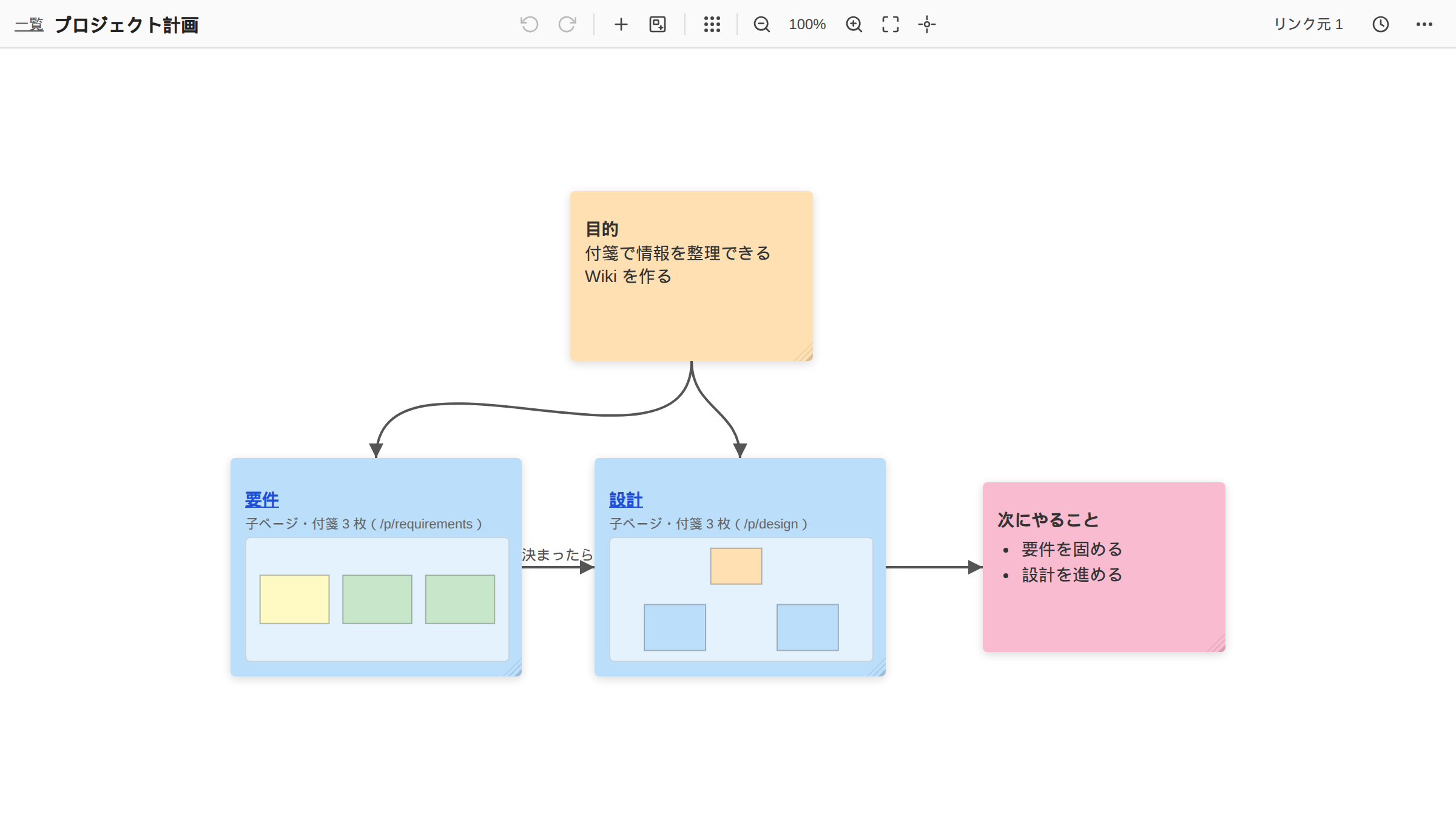
Image from the project README - Steps / points from the source
The original post is in Japanese and is shown on the Japanese page; open the source link to read it.
Verbatim from the source, untranslated.
- Prompt
The source does not include a prompt you can copy verbatim.
- How to copy
- Open the repo: github.com/kan/wema-kake/pull/103 ↗
- Read the README, send the repo link to your Bot and have it reproduce it
- Get it working small first, then add a routine
- Risks and limits
- The author's result may not reproduce for you; the original post is the reference
- Usage estimate
- Estimate with the metal calculator