Copy library / Warnings / OpenAI Dots
Dot cloud PC: Chrome shows download done but file missing
# Dot 云电脑:Chrome 显示下载完成但文件找不到

Source: https://github.com/openai/codex/issues/54609

Author: oysOYSoys

2026-10-16,作者在 Dot 托管 Linux 云电脑上用 Chrome 下载约 454MB 的 Google Drive MP4,界面显示完成,但本人与 Dot 都无法访问;配置目录 /workspace/shared/downloads,手动创建后文件仍不出现,「打开文件」无效,shell 报 ENOENT。另一次小文件 downloadMedia 测试 120 秒超时,目录仍空。
- What it does
- On 2026-10-16, on a Dot-hosted Linux cloud PC, Chrome showed a ~454MB Google Drive MP4 download as completed, but neither the author nor the Dot could access the file. Configured path /workspace/shared/downloads; creating it did not help. Open file / Show in folder did nothing; shell ls returned ENOENT. A separate small-file downloadMedia test timed out after 120s with an empty directory.
- Scenarios
- Uncategorized
- What the source covers
- Author & original linkYes
- What it doesYes
- Verbatim source excerptYes
- Screenshots / mediaYes
- Steps / chaptersYes
- Verbatim prompt / configNot in source
- Results / numbersNot in source
- Risk notesYes
- Related entriesYes
— means the source doesn't say; we don't fill it in.
- Verbatim source excerpt
ChatGPT dots: completed Chrome downloads are inaccessible and missing from the configured directory
## Summary
On October 16, 2026, on my dot's hosted Linux cloud computer (not my local PC), Chrome showed a Google Drive MP4 download as completed, but neither I nor dot could access the file.
Chrome's configured/reported download directory is /workspace/shared/downloads. Creating that directory manually did not make the downloaded file appear.Show full post
## Observed behavior
- The MP4 was 454,349,389 bytes. I manually completed the browser download, and the completed entry was visually verified.
- I observed storage usage increase, but the actual stored file has not been located or verified.
- Chrome's “Open file” and “Show in folder” did not open anything. No dangerous-file or failed-download warning was visible.
- Initially, /workspace/shared/downloads was not visible, including with hidden files shown.
- Direct shell ls/stat calls returned “No such file or directory” (ENOENT), not “Permission denied” (EACCES). The parent /workspace/shared was readable.
- I manually created /workspace/shared/downloads. The shell confirmed an agent-owned directory with mode 700, but the downloaded MP4 still did not appear.
## Separate small-file test
A small public RFC text-file download via locator.downloadMedia timed out after 120,000 ms without a completion event or saved path. The newly created downloads directory remained empty. This test did not produce a verified completed download and may be a separate failure.
The browser-reading tool also cannot inspect chrome://downloads because it permits only HTTP/HTTPS URLs. This is a tool restriction, separate from a Chrome file-security warning.
## Expected behavior / request
Completed downloads should be accessible at the reported destination, or there should be a supported way to retrieve them.
Please clarify:
1. Where completed Chrome dowoysOYSoys · · Open original ↗ From the project README, verbatim and untranslated.
- Screenshots
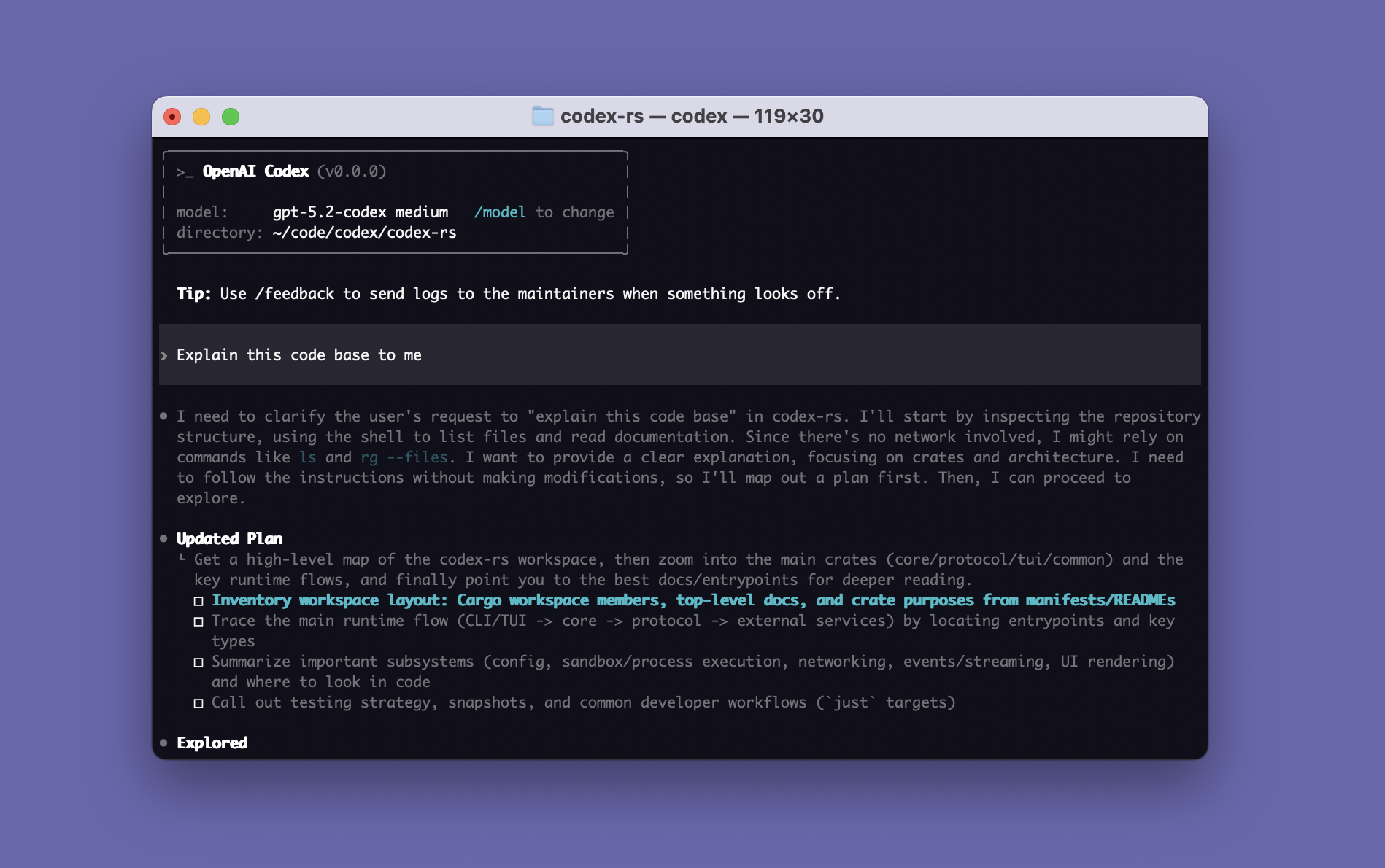
Image from the project README - Steps / points from the source
- Chrome showed Google Drive MP4 download completed (~454MB) but file not accessible
- Configured download dir /workspace/shared/downloads; creating it did not surface the file
- Open file / Show in folder did nothing; shell ls returned ENOENT
- Separate small RFC download via locator.downloadMedia timed out after 120s with empty directory
Verbatim from the source, untranslated.
- Prompt
The source does not include a prompt you can copy verbatim.
- How to copy
- Open the repo: github.com/openai/codex/issues/54609 ↗
- Read the README, send the repo link to your Bot and have it reproduce it
- Get it working small first, then add a routine
- Risks and limits
- This is a quota/outage report (warning), not something to copy.
- Uses a browser or website login: the costliest kind of step, so prefer a connector where one exists
- The author's result may not reproduce for you; the original post is the reference
- Usage estimate
- Estimate with the metal calculator