Copy library / Warnings / OpenAI Dots
Dot vanishes from the macOS ChatGPT desktop sidebar
# macOS 桌面版 ChatGPT 侧栏里的 Dot 不见了

Source: https://github.com/openai/codex/issues/55783

Author: Stahl-G

2026-10-21,macOS ChatGPT 桌面版 26.1016.51333 侧栏中已有的 Dot 消失,但同一账号在 Chrome 的 chatgpt.com/dots/home 上 Dot 仍可正常回复。日志有 Orbit catalog 任务元数据加载失败的警告(作者说明只是相关、非确定原因);作者请求提供保留对话、本地任务和电脑授权的恢复方式。
- What it does
- On 2026-10-21, an existing Dot disappeared from the sidebar of ChatGPT desktop 26.1016.51333 on macOS, while the same account's Dot still replied normally at chatgpt.com/dots/home in Chrome. Logs showed Orbit catalog task metadata warnings (the author notes correlation only). The author asks for a recovery path that keeps conversations, local tasks and computer authorization.
- Scenarios
- Code & ship
- What the source covers
- Author & original linkYes
- What it doesYes
- Verbatim source excerptYes
- Screenshots / mediaYes
- Steps / chaptersYes
- Verbatim prompt / configNot in source
- Results / numbersNot in source
- Risk notesYes
- Related entriesYes
— means the source doesn't say; we don't fill it in.
- Verbatim source excerpt
[macOS] Dot missing from ChatGPT desktop sidebar on 26.1016.51333 while web Dot still works
## Summary
An existing Dot has disappeared from the macOS ChatGPT desktop sidebar, while the same user's Dot remains accessible and replies normally at https://chatgpt.com/dots/home in Chrome. The desktop screenshot is already in the ChatGPT view, so this is not explained by being in the Codex view.Show full post
Please investigate desktop Dot navigation/configuration loading and provide a supported recovery path that preserves existing conversations, local tasks and computer authorization.
## Environment
- ChatGPT desktop production version 26.1016.51333, build 21161 (verified from installed app metadata).
- Built-in updater reports `up_to_date`.
- macOS 26.6.2 (25G83), Apple Silicon arm64.
- Observed October 21, 2026, approximately 13:00–13:15 UTC+7.
## Observed behavior
1. Desktop app runs and existing Work/Codex tasks remain listed.
2. ChatGPT sidebar shows New chat and pinned conversations, but no Dot entry.
3. Chrome at /dots/home still shows the existing Dot, its conversation and working replies (user-provided screenshot).
4. The app log recorded successful Dot room/history fetches around 06:00 UTC, followed by these warnings:
```
2026-10-21T06:00:48.620Z warning [electron-message-handler] Orbit catalog task metadata could not be loaded ... status=undefined
2026-10-21T06:03:52.526Z warning [electron-message-handler] Orbit catalog task metadata could not be loaded ... status=undefined
```
The warnings are correlation only, not an established root cause. A targeted check of the currently running main-process logs did NOT find `Workspace routing is unavailable`, status 432, or `/tbo/primary` 404. This distinguishes the captured evidence from some related reports; it does not rule out uncaptured configuration failures.
## Expected
An accessible existing Dot should remain reaStahl-G · · Open original ↗ From the project README, verbatim and untranslated.
- Screenshots
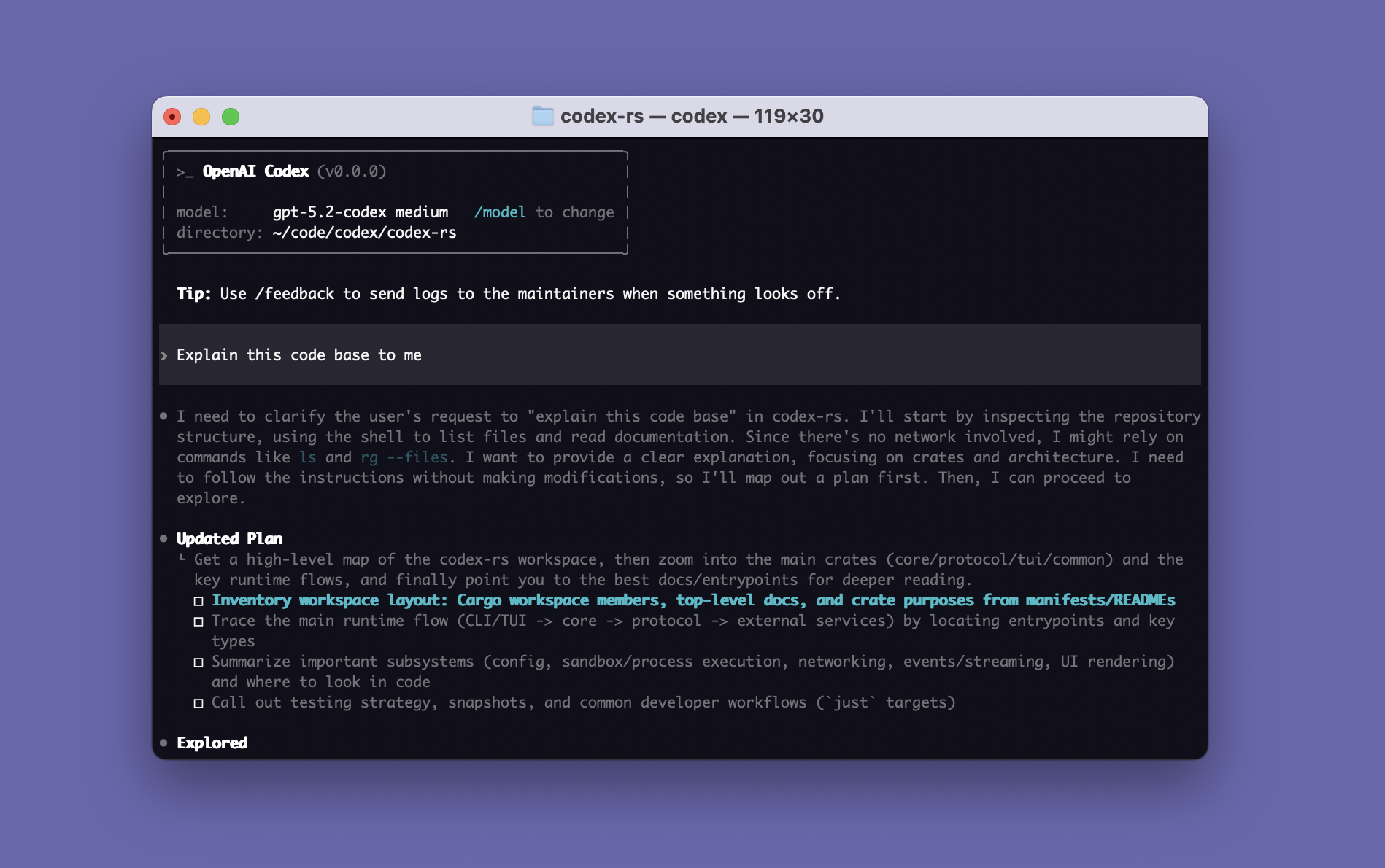
Image from the project README - Steps / points from the source
- Apple Silicon/arm64: codex-aarch64-apple-darwin.tar.gz
- x86_64 (older Mac hardware): codex-x86_64-apple-darwin.tar.gz
- x86_64: codex-x86_64-unknown-linux-musl.tar.gz
- arm64: codex-aarch64-unknown-linux-musl.tar.gz
- Codex Documentation
- Contributing
Verbatim from the source, untranslated.
- Prompt
The source does not include a prompt you can copy verbatim.
- How to copy
- Open the repo: github.com/openai/codex/issues/55783 ↗
- Read the README, send the repo link to your Bot and have it reproduce it
- Get it working small first, then add a routine
- Risks and limits
- This is a quota/outage report (warning), not something to copy.
- Involves payments, orders or bookings: let the bot draft first and act only after you confirm
- Case summary only, not investment advice
- The author's result may not reproduce for you; the original post is the reference
- Usage estimate
- Estimate with the metal calculator