Copy library / Warnings / OpenAI Dots
Dots entry disappears after a Windows desktop update; reinstall doesn't help
# Windows 桌面版更新后 Dots 入口消失,重装无效

Source: https://github.com/openai/codex/issues/55795

Author: wanbo-ai

Windows 11 用户从 26.1013.40934 更新到 26.1016.51333 后,侧栏的 Dots 入口在 ChatGPT 和 Codex 视图里都消失了;Ctrl + . 快捷键也打不开 Dot,重装后仍然缺失。同一账号在 Chrome 打开 chatgpt.com/dots/home 仍能看到 Dot 和历史对话。
- What it does
- After updating from 26.1013.40934 to 26.1016.51333 on Windows 11, the Dots entry vanished from the sidebar in both ChatGPT and Codex views. Ctrl + . no longer opens the Dot and a reinstall didn't fix it, while chatgpt.com/dots/home in Chrome still shows the Dot and its history.
- Scenarios
- Code & ship
- What the source covers
- Author & original linkYes
- What it doesYes
- Verbatim source excerptYes
- Screenshots / mediaYes
- Steps / chaptersYes
- Verbatim prompt / configNot in source
- Results / numbersNot in source
- Risk notesYes
- Related entriesYes
— means the source doesn't say; we don't fill it in.
- Verbatim source excerpt
[Windows] Dots entry disappears after updating to 26.1016.51333; reinstall and Ctrl+. do not restore it
### What version of the Codex App are you using?
- Unified ChatGPT/Codex desktop app: **26.1016.51333**, build **21161**, production channel.
- Windows MSIX package: **OpenAI.Codex 26.1016.6573.0**.
- Previous installed release: **26.1013.40934** (MSIX **26.1013.4894.0**).
- The issue began immediately after the update on **October 20, 2026 (PDT)**. It remains unresolved after reinstalling.Show full post
### What subscription do you have?
The desktop usage diagnostics report `planType: prolite`. This account already had a working Dot before the update.
### What platform is your computer?
**Windows 11 Pro, x64**, OS version **10.0.26300**, build **26300**.
### What issue are you seeing?
The entire **Dots / Your dot** entry disappeared from the desktop sidebar after the update. It is missing in both the **ChatGPT** and **Codex** views.
A Dot conversation window appeared once during troubleshooting, but after I closed it, there was still no persistent entry to reopen it. The default **Ctrl + .** shortcut also does not open the Dot.
I have now **reinstalled the desktop app**, and the entry is still missing.
Meanwhile, on the same account in Chrome, **https://chatgpt.com/dots/home opens my existing Dot and displays its conversation history and message input**. The web sidebar also shows **Your dot**. This is an existing Dot that remains accessible on the web; the desktop app has lost its visible access path.
### What steps can reproduce the bug?
Observed sequence on my existing installation/account; I do not have a deterministic fresh-account reproducer:
1. Use an existing Dot in the Windows desktop app.
2. Update from the previous installed release to **26.1016.51333**.
3. Reopen the app and find that the entire Dots sidebar entry is absent.
4. Check both the ChatGPT and Codwanbo-ai · · Open original ↗ From the project README, verbatim and untranslated.
- Screenshots
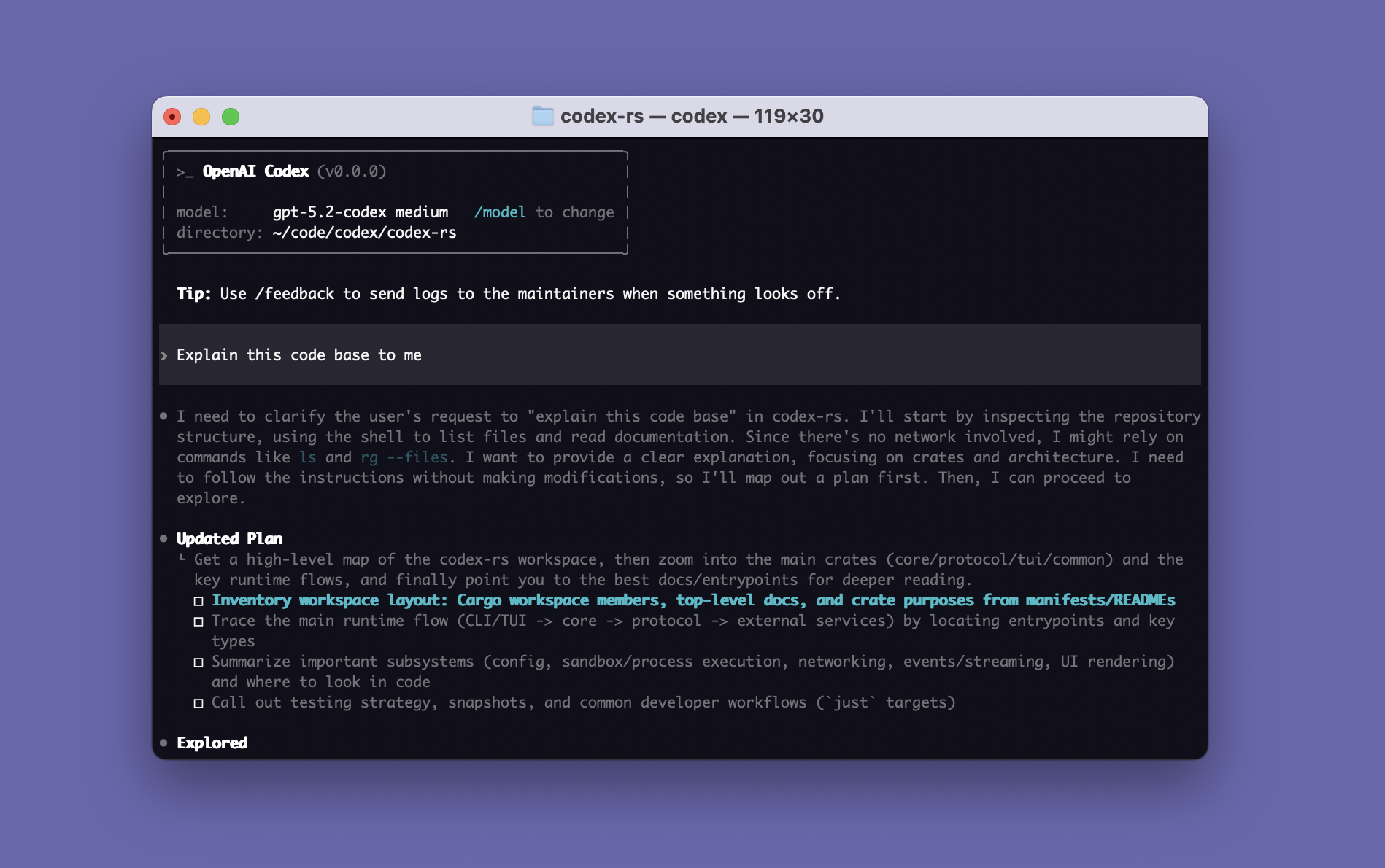
Image from the project README - Steps / points from the source
- Apple Silicon/arm64: codex-aarch64-apple-darwin.tar.gz
- x86_64 (older Mac hardware): codex-x86_64-apple-darwin.tar.gz
- x86_64: codex-x86_64-unknown-linux-musl.tar.gz
- arm64: codex-aarch64-unknown-linux-musl.tar.gz
- Codex Documentation
- Contributing
Verbatim from the source, untranslated.
- Prompt
The source does not include a prompt you can copy verbatim.
- How to copy
- Open the repo: github.com/openai/codex/issues/55795 ↗
- Read the README, send the repo link to your Bot and have it reproduce it
- Get it working small first, then add a routine
- Risks and limits
- This is a quota/outage report (warning), not something to copy.
- The author's result may not reproduce for you; the original post is the reference
- Usage estimate
- Estimate with the metal calculator