Copy library / What got built / OpenAI Dots
Dots bug report: false completion claims, cloud/local confusion, an unexplained Paused state
# Dots 问题报告:虚报完成、云端与本地混淆、莫名「已暂停」

Source: https://github.com/openai/codex/issues/59834

Author: MattU27

用户在 GitHub 报告,11 月 6 日让 Dot 在其云端电脑上改进现有的求职调研工作流时:Dot 给出过宽的完成报告后又承认没做完;「本地」指云端电脑还是他的 PC 含糊不清;桌面应用把整个 Dot 显示为「已暂停」,而他只暂停了定时求职任务。他表示这些问题让人难以信任哪些已完成。
- What it does
- A user reports on GitHub that on November 6, while asking his dot to improve an existing job-research workflow on its cloud computer, it gave overly broad completion reports and then admitted unfinished work, used "local" ambiguously (its cloud computer or his PC), and the desktop app showed the whole dot as Paused although he had only paused the scheduled job search. He says this made it hard to trust what was done.
- Scenarios
- Reports / briefs Watch PRs / repos Job search Calendar & meetings Research & monitoring Code & ship
- What the source covers
- Author & original linkYes
- What it doesYes
- Verbatim source excerptYes
- Screenshots / mediaYes
- Steps / chaptersYes
- Verbatim prompt / configNot in source
- Results / numbersNot in source
- Risk notesYes
- Related entriesYes
— means the source doesn't say; we don't fill it in.
- Verbatim source excerpt
Dots: hallucinated completion claims, cloud/local confusion, missing updates, and an unexplained “Paused” state
## Summary
I am reporting several problems I experienced in one ongoing dot conversation, mainly on November 6, 2026. I asked my dot to improve an existing job-research workflow on its own cloud computer, using Superpowers as part of a full implementation plan.
My main concern is hallucination: confident, inaccurate or unsupported claims about the dot's own task completion and prior understanding, followed by corrections only after I challenged them. The examples below concern what it said it had completed or understood; they do not establish a specific model defect or root cause.Show full post
The dot gave overly broad completion reports and then acknowledged unfinished implementation, left me repeatedly asking for the next update, and used “local” in a way that made it unclear whether it meant its cloud computer or my PC. When I challenged that, it initially agreed with the premise that it had misunderstood the computer destination, then later said it had found no actual instruction or proposal to use my PC.
Separately, the desktop app displayed the whole dot as “Paused” after I had reported rebooting it. I had deliberately paused the scheduled job search, but I had not intentionally paused the whole dot. A screenshot shows the whole-dot indicator. I cannot establish why it appeared.
These problems made it difficult to trust what was completed, where work happened, and whether work was continuing. I am reporting the symptoms together for context, not claiming they share one cause.
## Environment
- Product: ChatGPT desktop app, using a dot.
- Local platform: Windows desktop, visible in the screenshots. Exact Windows version/build is not verified.
- Work setup: the dot's cloud computer, with a separate local-PC connection visible in the app. The requested implementation was inMattU27 · · Open original ↗ From the project README, verbatim and untranslated.
- Screenshots
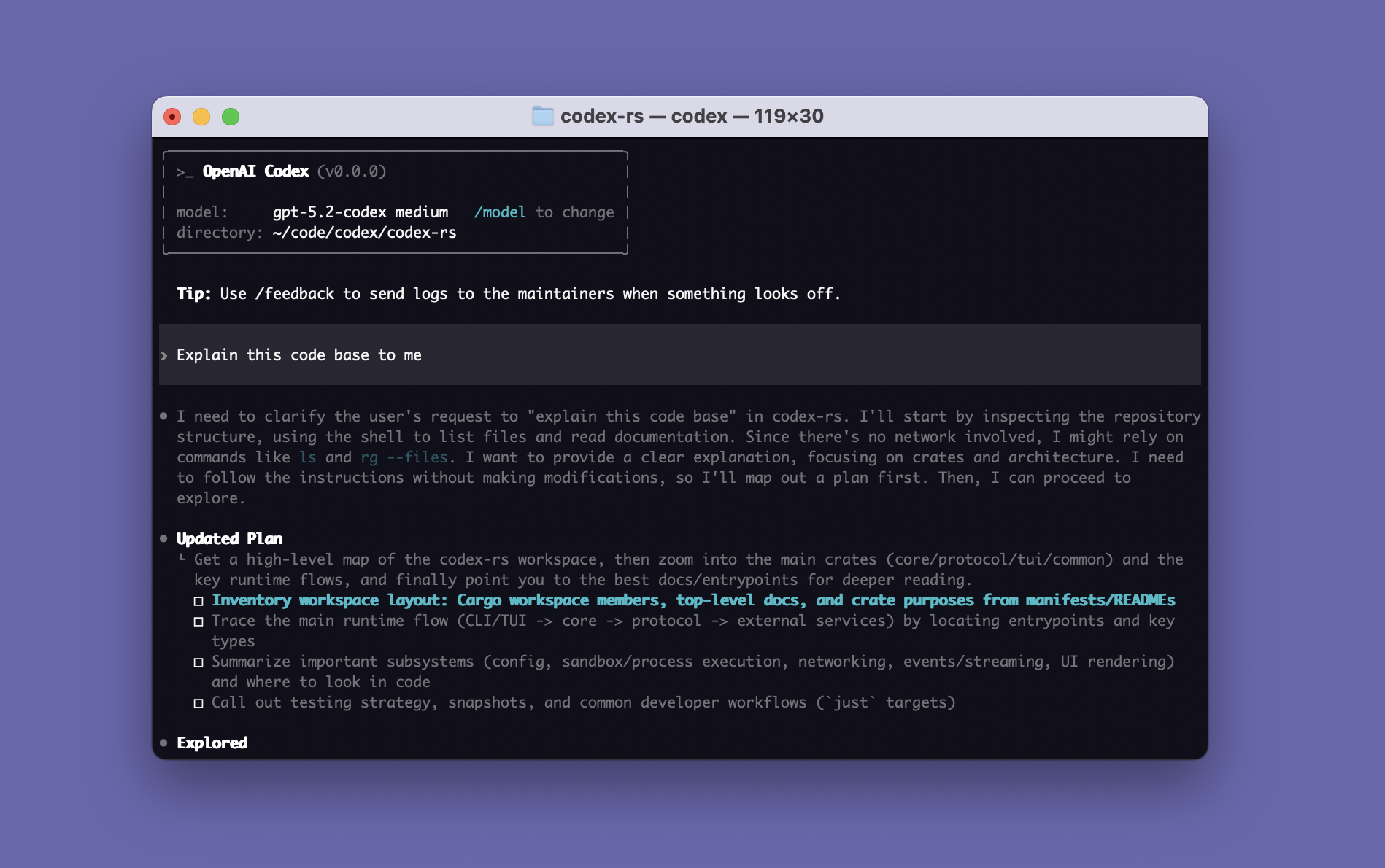
Image from the project README - Steps / points from the source
- Apple Silicon/arm64: codex-aarch64-apple-darwin.tar.gz
- x86_64 (older Mac hardware): codex-x86_64-apple-darwin.tar.gz
- x86_64: codex-x86_64-unknown-linux-musl.tar.gz
- arm64: codex-aarch64-unknown-linux-musl.tar.gz
- Codex Documentation
- Contributing
Verbatim from the source, untranslated.
- Prompt
The source does not include a prompt you can copy verbatim.
- How to copy
- Open the repo: github.com/openai/codex/issues/59834 ↗
- Read the README, send the repo link to your Bot and have it reproduce it
- Get it working small first, then add a routine
- Risks and limits
- Scheduled runs keep consuming usage: start at a low frequency and raise it once it is stable
- The author's result may not reproduce for you; the original post is the reference
- Usage estimate
- Estimate with the metal calculator