Copy library / Guides / Grok Bot
Installing a skill into Grok Bot straight from GitHub
# 让 Grok Bot 直接从 GitHub 安装技能

Source: https://github.com/YZDame/GeoGebra-Studio/pull/27

Author: YZDame

GeoGebra Studio 的 README 新增安装说明:在 Grok Bot 里可以直接说“从 https://github.com/YZDame/GeoGebra-Studio 安装 geogebra-studio 技能”,让它把 skills/geogebra-studio 整个文件夹(含 scripts、runtime、references、examples)拷进技能库;机器需 Node.js 22.12 或更高。Cursor 则复制到本地插件或技能目录后重载窗口。
- What it does
- GeoGebra Studio’s README adds install steps: in Grok Bot you can just say "install the geogebra-studio skill from https://github.com/YZDame/GeoGebra-Studio" so it copies the whole skills/geogebra-studio folder (with scripts, runtime, references, examples) into its skill library; the machine needs Node.js 22.12 or later. For Cursor, copy it into the local plugins or skills folder and reload the window.
- Scenarios
- Watch PRs / repos
- What the source covers
- Author & original linkYes
- What it doesYes
- Verbatim source excerptYes
- Screenshots / mediaYes
- Steps / chaptersYes
- Verbatim prompt / configNot in source
- Results / numbersNot in source
- Risk notesYes
- Related entriesYes
— means the source doesn't say; we don't fill it in.
- Verbatim source excerpt
The original post is in Chinese and is shown on the Chinese pages; open the source link to read it.
YZDame · · Open original ↗ From the project README, verbatim and untranslated.
- Screenshots
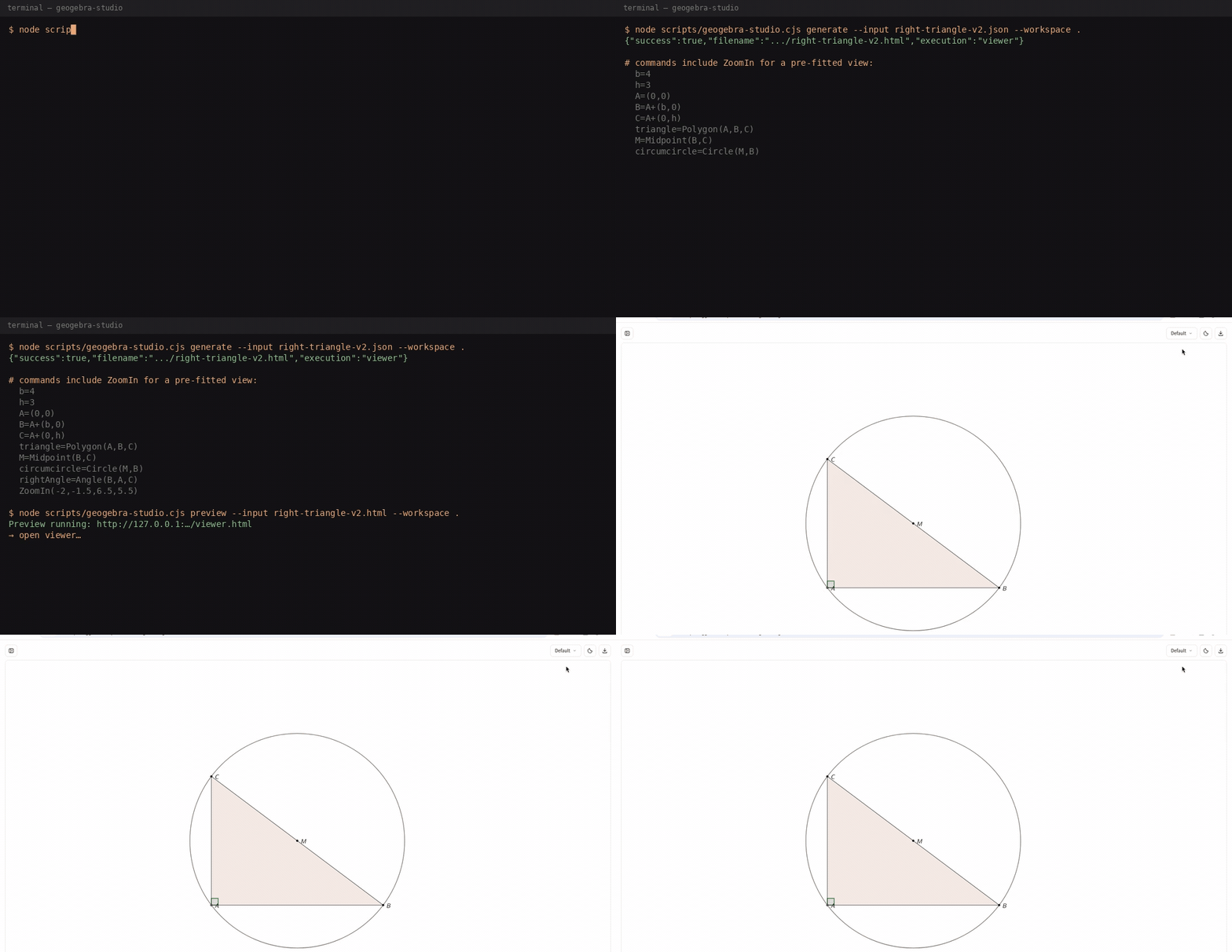
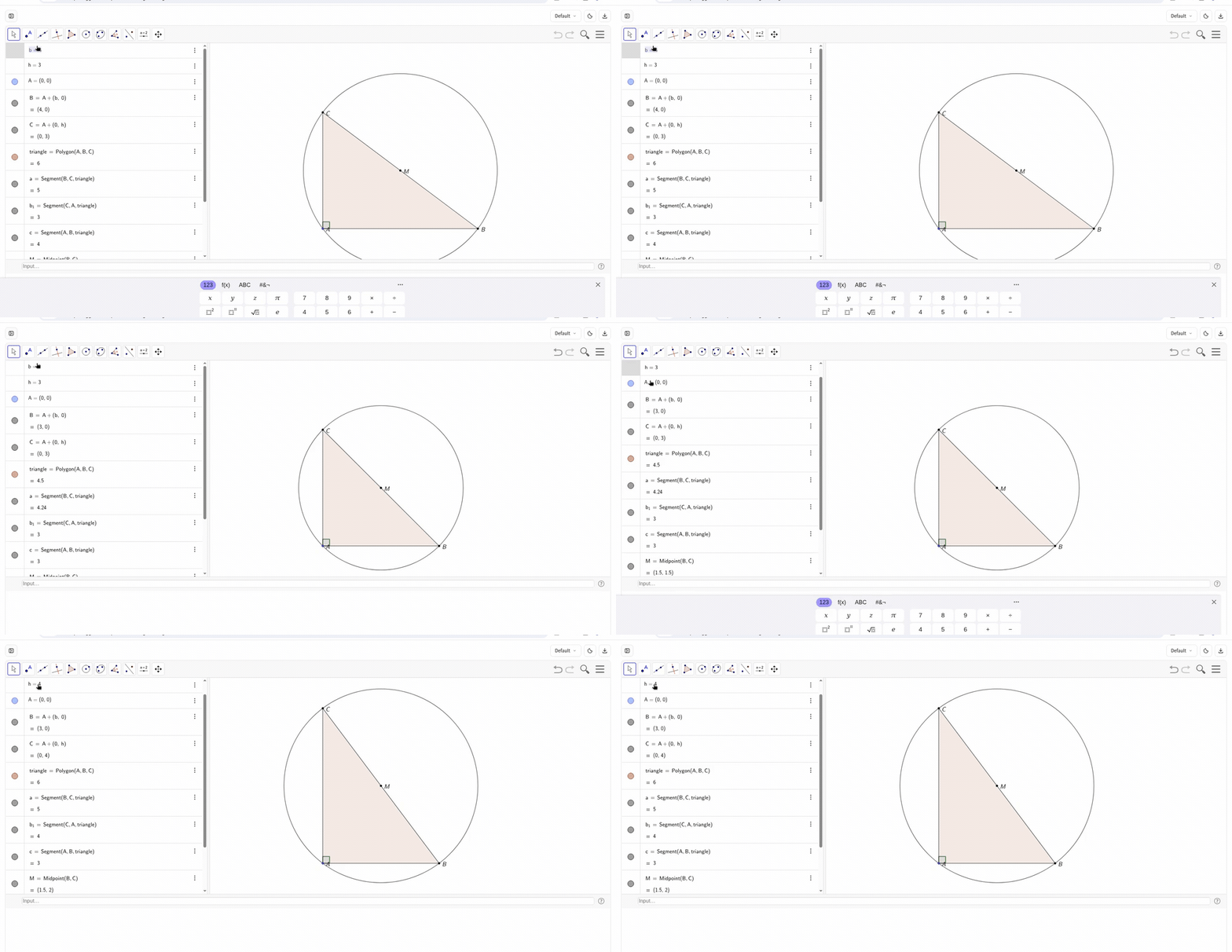
Image from the project README - Steps / points from the source
- Install the Agent Skill (requires Node.js 22.12+; see Installation below for Cursor, Grok Bot, Codex, and DeepSeek Harness):
- Ask your AI to draw, or upload a problem document or reference image (upload options depend on your AI client):
- Interact, edit, and export: Open the generated page to drag points and adjust values, or ask AI for further changes. Download the current HTML or GGB before ……
- 2D and 3D GeoGebra figures with draggable points, adjustable values, nine themes, and light/dark modes.
- Download HTML, GGB, PNG, SVG, PDF, XML and TikZ directly from the page.
- Export Asymptote and mixed TSQX/Asymptote source through AI; see export details.
- Portable SKILL.md workflow with no MCP server, backend, or database required.
Verbatim from the source, untranslated.
- Prompt
The source does not include a prompt you can copy verbatim.
- How to copy
- Open the repo: github.com/YZDame/GeoGebra-Studio/pull/27 ↗
- Read the README, send the repo link to your Bot and have it reproduce it
- Get it working small first, then add a routine
- Risks and limits
- The author's result may not reproduce for you; the original post is the reference
- Usage estimate
- Estimate with the metal calculator