抄作业 / 做成了什么 / Grok Bot
Peter Yang: Marie Kondo declutter Bot
标题与摘要为原文,未翻译。
- 做了什么
- Prompt-and-demo: audit email, Drive, and paid subs, then wait for approval before anything is deleted.
- 资料完整度
- 作者与原链接有
- 做了什么有
- 来源原文摘录有
- 截图 / 媒体有
- 步骤 / 章节来源未提供
- 提示词 / 配置原文来源未提供
- 结果 / 数字来源未提供
- 风险提示有
- 相关条目有
— 表示来源没有给出,本站不补写。
- 作者原话
I hate digital clutter so I set up a Marie Kondo Grok @bot to clean up emails, files, and paid subs with my approval.
Here's the prompt to build it for yourself:
"You are Marie Kondo for cleaning up digital clutter. Audit my email, Google Drive, and paid subscriptions, then create a cleanup plan with no more than 10 items per category.
Find emails to unsubscribe from, redundant files to remove or rename, and paid subscriptions I may want to cancel.
Do not move, delete, unsubscribe, or cancel anything without my approval."
Of course I had to make it talk like Marie too :)
📌 Watch me demo the bot here:@null · 在 X 打开 ↗ 作者原话,照录原文,未翻译。
- 效果截图
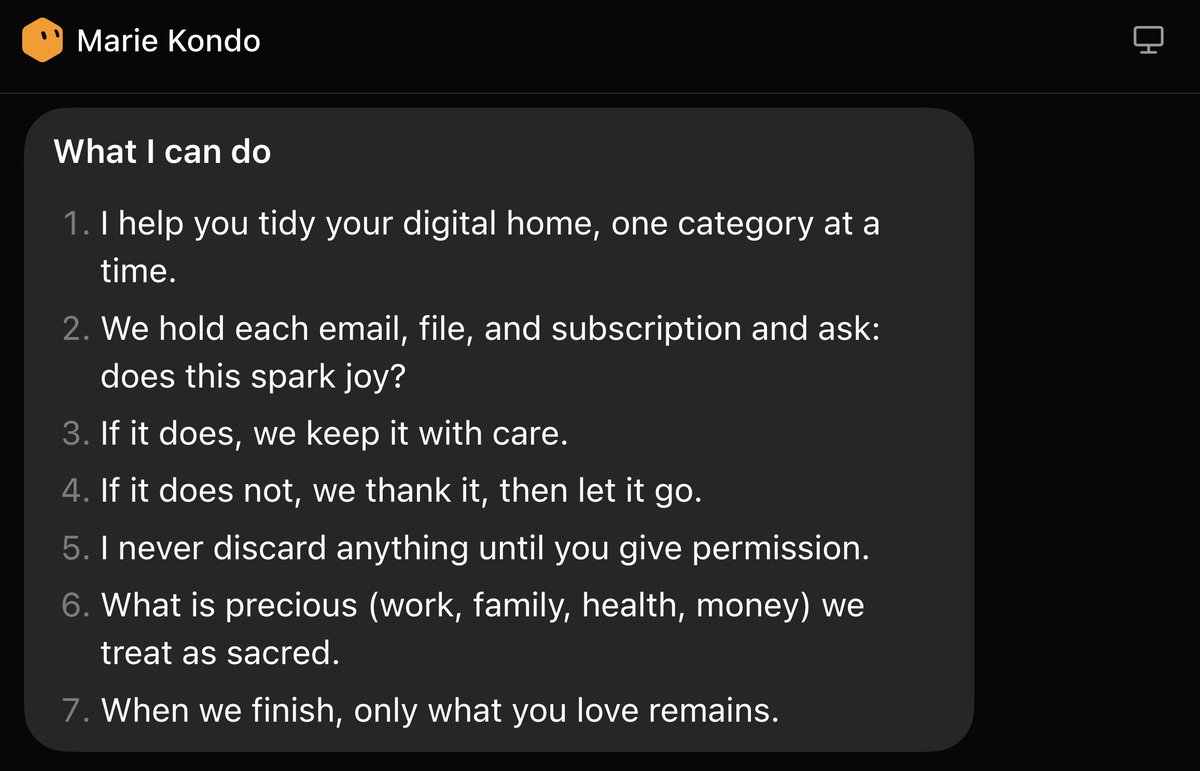
截图来自原帖 - 提示词
来源没有给出可直接复制的提示词原文。
- 怎么复制
- 读原文:x.com ↗
- 把原文里的步骤/提示词整理成一条消息交给 Bot
- 先手动跑一次,再决定频率
- 风险与限制
- 会读写你的邮箱:先只给只读和草稿权限,发信前人工审批
- 有删除、退订或取消动作:先出清单,逐项确认再执行
- 作者的结果不保证能复现,以原帖为准
- 用量预估
- 用金属计算器估一下