抄作业 / 做成了什么 / Grok Bot
SCPlay — StarCraft II sparring for Grok Bot
标题与摘要为原文,未翻译。
- 做了什么
- Ubuntu StarCraft II sparring package that a Grok Bot can install and coach against, with live chat, match logs, and chaos mode.
- 场景
- 未归类
- 资料完整度
- 作者与原链接有
- 做了什么有
- 来源原文摘录有
- 截图 / 媒体有
- 步骤 / 章节有
- 提示词 / 配置原文来源未提供
- 结果 / 数字来源未提供
- 风险提示有
- 相关条目有
— 表示来源没有给出,本站不补写。
- 来源原文摘录
[](https://edwinkestler.github.io/scplay-grok-bot/) [](#requirements) [](LICENSE)
RongleCat/awesome-grok-bot (GitHub) · 打开原文 ↗ 摘自项目 README,照录原文,未翻译。
- 效果截图
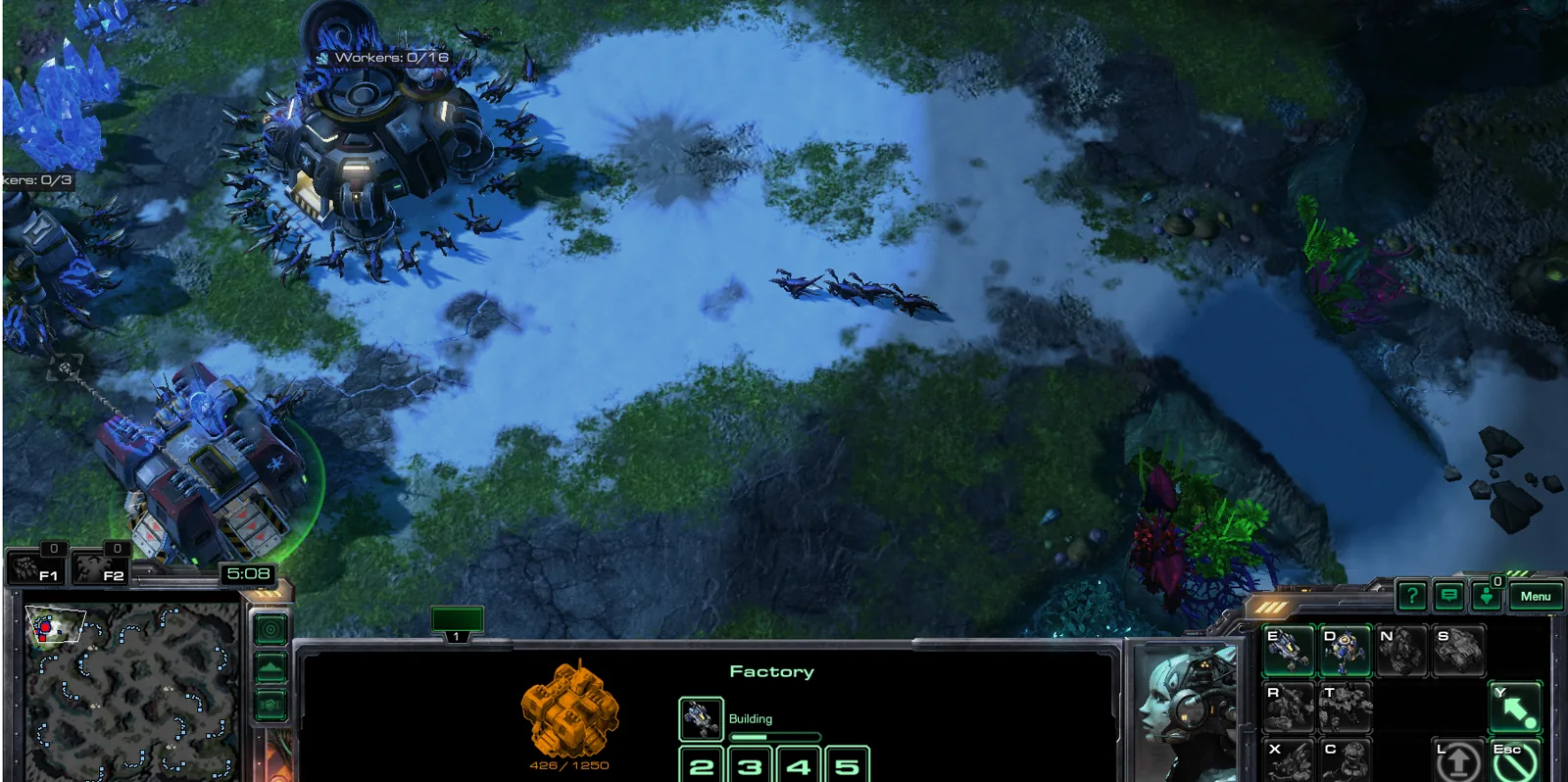
图片来自项目 README - 来源里的步骤 / 要点
- Ubuntu (tested 24.04); other Linux may work
- StarCraft II (Windows build via Steam Proton + Battle.net is the happy path)
- Python 3.11+ (python3, python3-venv, curl, unzip)
- Enough disk for map packs (~75 MB zips)
- Install Steam, enable Proton, add a non-Steam shortcut for Battle.net setup if needed.
- Install StarCraft II through Battle.net inside that Proton prefix.
- Launch SC2 once so the install + prefix exist, then fully quit SC2 and Battle.net before using the API launcher (the bot starts its own SC2 process).
- Put this repo on the host machine that runs SC2 (same PC as the game).
照录来源原文,未翻译。
- 提示词
来源没有给出可直接复制的提示词原文。
- 怎么复制
- 打开仓库:github.com/EdwinKestler/scplay-grok-bot ↗
- 读 README,把仓库链接发给你的 Bot,让它按 README 复现
- 先在小范围跑通,再加 routine
- 风险与限制
- 作者的结果不保证能复现,以原帖为准
- 用量预估
- 用金属计算器估一下