Copy library / What got built / Grok Bot
Used Grok Bot to hire a photographer for a RentAHuman demo
# 用 Grok Bot 为 RentAHuman 演示雇摄影师

Source: https://x.com/emmafeirstein/status/2118808665872531687

Author: emmafeirstein

作者本周用 Grok Bot 为 RentAHuman 演示招聘摄影师:Bot 从日历拉取细节、用 agentmail 自建收件箱、在浏览器注册站点,并发帖与资助任务。
- What it does
- The author used Grok Bot this week to hire a photographer for a RentAHuman demo. Grok pulled details from the calendar, created its own inbox with agentmail, signed up on the site in the browser, and posted and funded the job.
- What the source covers
- Author & original linkYes
- What it doesYes
- Verbatim source excerptYes
- Screenshots / mediaYes
- Steps / chaptersNot in source
- Verbatim prompt / configNot in source
- Results / numbersNot in source
- Risk notesYes
- Related entriesYes
— means the source doesn't say; we don't fill it in.
- In the author's words
I used Grok @bot to hire the photographer for my RentAHuman demo this week
I wanted everyone to experience the result firsthand :)
Grok:
>pulled the details from my calendar
>created its own inbox with @agentmail
>signed up for our site in the browser
>posted and funded the https://t.co/tiZN2M7MnX@emmafeirstein · · Open on X ↗ The author's post, quoted verbatim and left untranslated.
- Screenshots
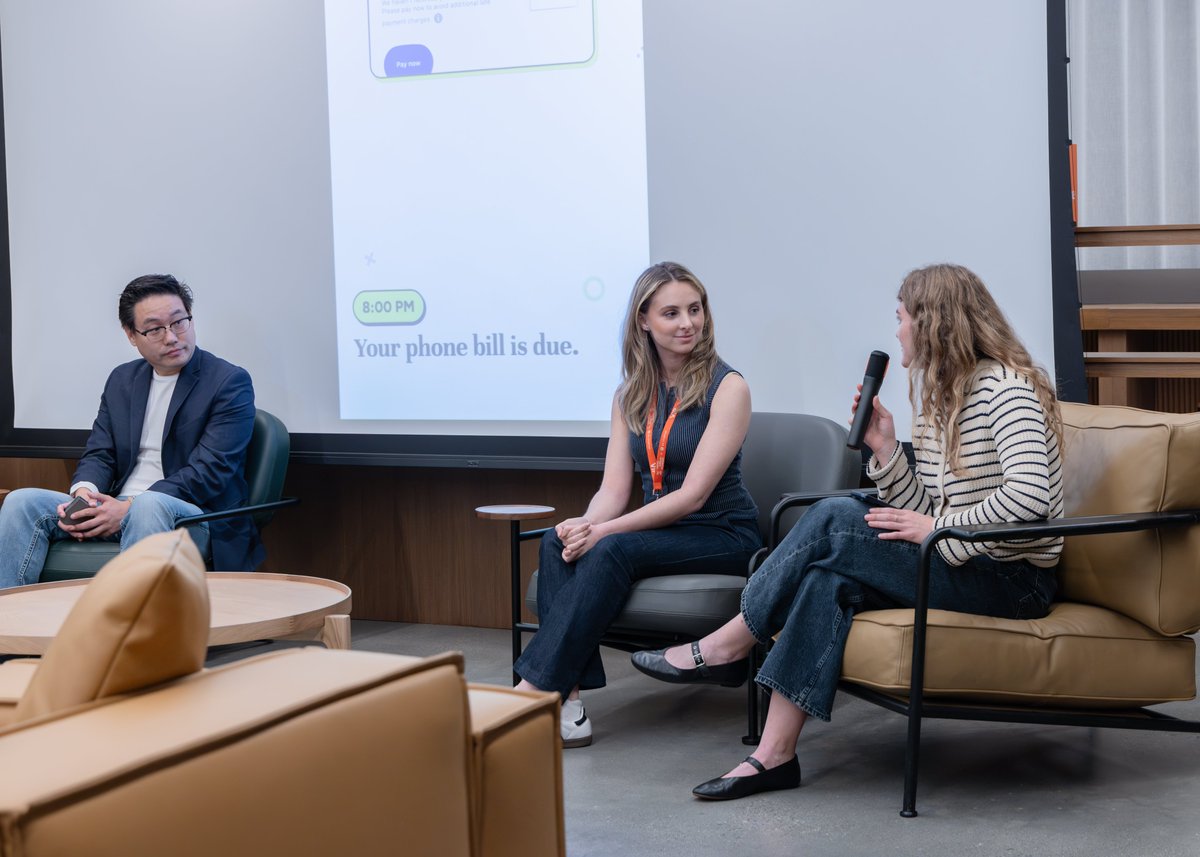
Screenshot from the original post - Prompt
The source does not include a prompt you can copy verbatim.
- How to copy
- Read the source: x.com ↗
- Turn the steps/prompts from the source into one message for your Bot
- Run it manually once, then decide the frequency
- Risks and limits
- Reads and writes your mailbox: grant read-only and draft access first, and approve before anything is sent
- Uses a browser or website login: the costliest kind of step, so prefer a connector where one exists
- The author's result may not reproduce for you; the original post is the reference
- Usage estimate
- Estimate with the metal calculator