Copy library / Guides / Grok Bot
Routine didn't run last night? Check these 4 things before rebuilding it
# routine 昨晚没跑?重建前先查这 4 项

Source: https://x.com/Max_XuY/status/2117034480099856646

Author: Max_XuY

作者列出排查清单:routine 是否启用;时间表以及它实际所在的时区;触发条件是否太窄(或频道太吵);点 Test 并读结果。也可以直接让 Grok Bot 按这 4 项检查指定 routine,只报告哪一项出问题,不做修改。

## Prompt
Check my routine [name] against those 4. Fix nothing, just tell me which one failed.
- What it does
- The author's checklist: is the routine active; its schedule and the time zone it actually runs in; whether the trigger is too narrow (or the channel too noisy); and hit Test and read the result. You can also ask Grok Bot to check a named routine against these 4 points and only report which one failed, without fixing anything.
- What the source covers
- Author & original linkYes
- What it doesYes
- Verbatim source excerptYes
- Screenshots / mediaYes
- Steps / chaptersNot in source
- Verbatim prompt / configYes
- Results / numbersNot in source
- Risk notesYes
- Related entriesYes
— means the source doesn't say; we don't fill it in.
- In the author's words
Routine didn't run last night? Before you rebuild it, check:
1. Is it active
2. Schedule, and the time zone it's actually in
3. Trigger too narrow (or busy channel too noisy)
4. Hit Test and read the result
Or just send Grok Bot: "Check my routine [name] against those 4. Fix nothing, just tell me which one failed."@Max_XuY · · Open on X ↗ The author's post, quoted verbatim and left untranslated.
- Screenshots
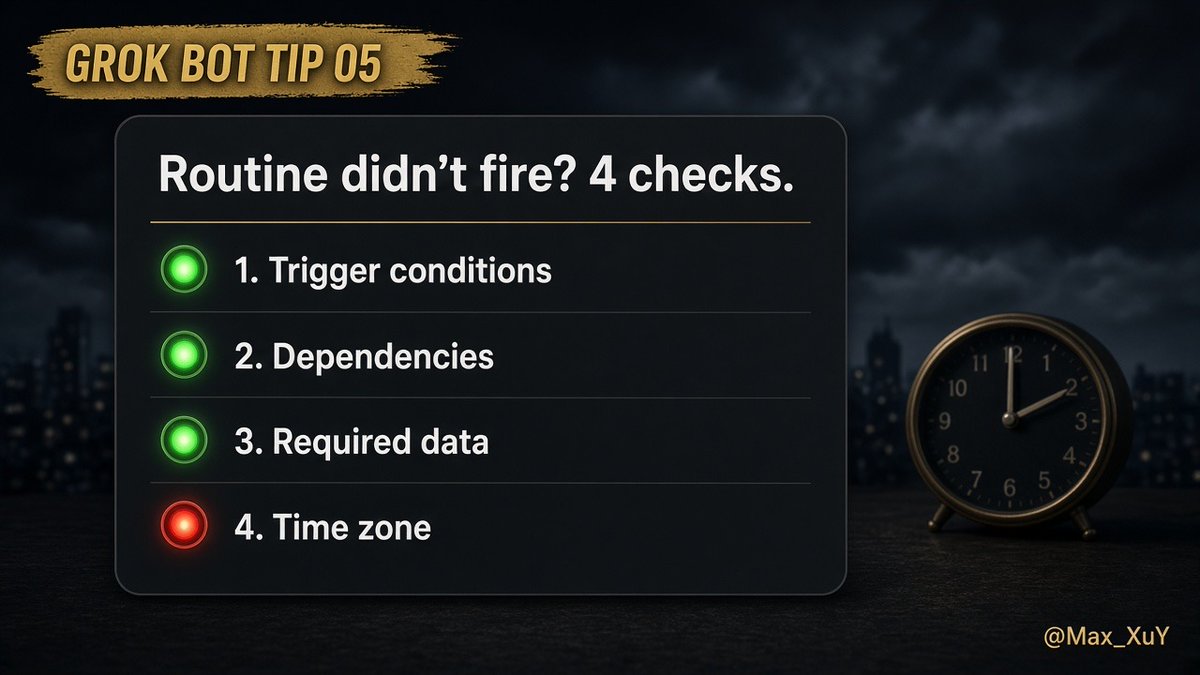
Screenshot from the original post - Prompt
Check my routine [name] against those 4. Fix nothing, just tell me which one failed.
Verbatim from the source, untranslated.
- How to copy
- Read the source: x.com ↗
- Turn the steps/prompts from the source into one message for your Bot
- Run it manually once, then decide the frequency
- Risks and limits
- Scheduled runs keep consuming usage: start at a low frequency and raise it once it is stable
- The author's result may not reproduce for you; the original post is the reference
- Usage estimate
- Estimate with the metal calculator