Copy library / Guides / Grok Bot
Close your week in 10 minutes with Grok Bot
# 10 分钟用 Grok Bot 做周复盘

Source: https://x.com/TrivioAI/status/2121352823044706495

Author: TrivioAI

作者建议把本周发出的邮件和日历贴给 Grok Bot,让它列 3 份清单:完成了什么、拖延了什么、下周一的前 3 件事;并要求它引用原文、不要猜测。
- What it does
- The author suggests pasting this week's sent emails and calendar into Grok Bot and asking for 3 lists: what got done, what slipped, and your top 3 for Monday, telling it to quote rather than guess.
- Scenarios
- Inbox triage Calendar & meetings
- What the source covers
- Author & original linkYes
- What it doesYes
- Verbatim source excerptYes
- Screenshots / mediaYes
- Steps / chaptersNot in source
- Verbatim prompt / configNot in source
- Results / numbersYes
- Risk notesYes
- Related entriesYes
— means the source doesn't say; we don't fill it in.
- In the author's words
Close your week in 10 minutes.
Paste this week's sent emails and calendar into Grok Bot. Ask for 3 lists: what got done, what slipped, and your top 3 for Monday. Tell it to quote, not guess.
What are you carrying into next week? #GrokBotUsers #GrokBot #WeeklyReview https://t.co/5pDXD1HqJ9@TrivioAI · · Open on X ↗ The author's post, quoted verbatim and left untranslated.
- Screenshots
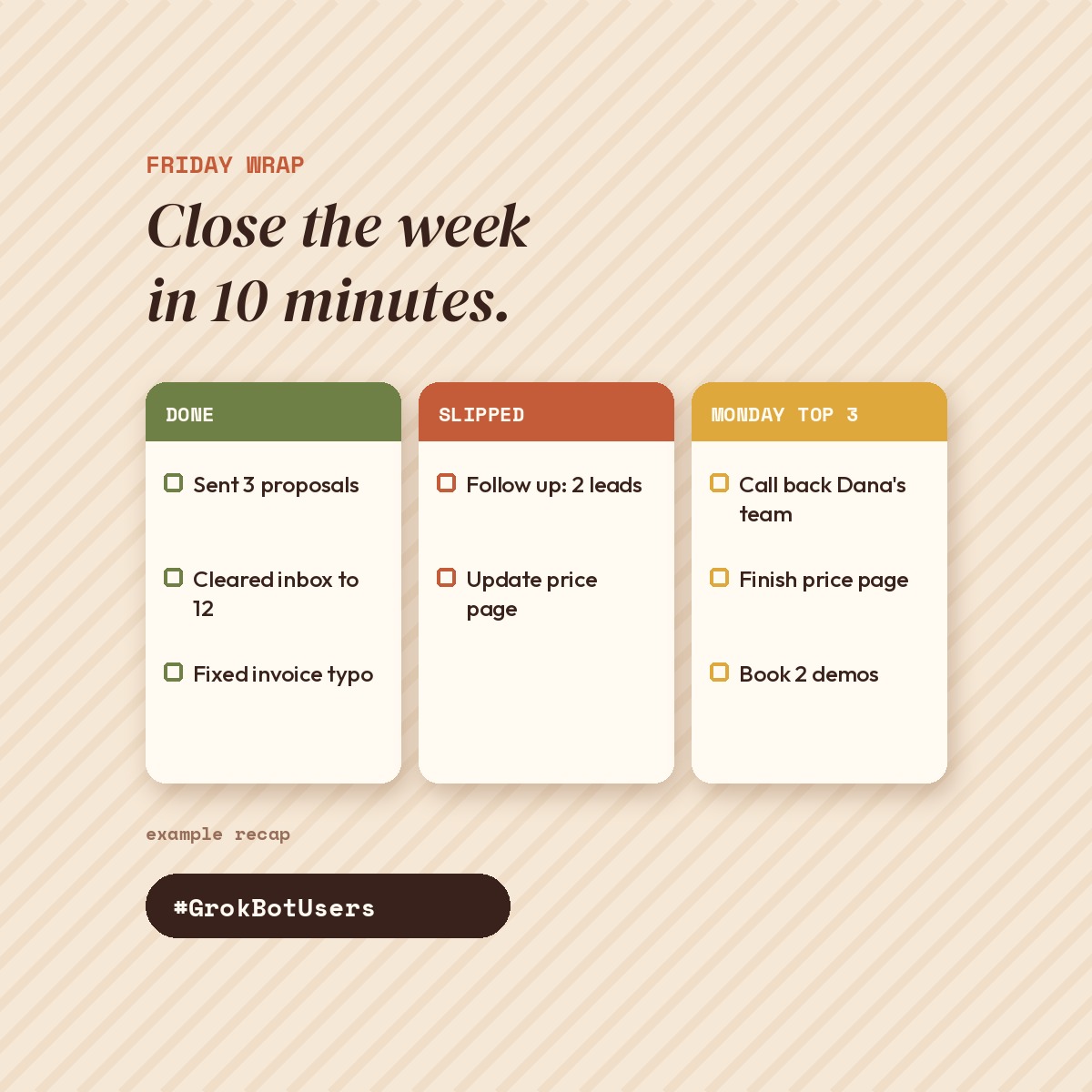
Screenshot from the original post - Prompt
The source does not include a prompt you can copy verbatim.
- How to copy
- Read the source: x.com ↗
- Turn the steps/prompts from the source into one message for your Bot
- Run it manually once, then decide the frequency
- Risks and limits
- Reads and writes your mailbox: grant read-only and draft access first, and approve before anything is sent
- Scheduled runs keep consuming usage: start at a low frequency and raise it once it is stable
- The author's result may not reproduce for you; the original post is the reference
- Usage estimate
- Estimate with the metal calculator