Copy library / What got built / OpenAI Dots
Dots’ cloud browser blocked by site safety on the WeChat Official Account admin
# Dots 云浏览器访问微信公众号后台被站点安全策略拦截

Source: https://github.com/openai/codex/issues/56307

Author: SUMMERVIVIAN4U

用户报告:账号所有者授权自己的 Dot 操作其微信公众号后台,但 Dot 通过云浏览器访问 mp.weixin.qq.com 时,在登录页出现前就被站点安全策略拒绝,没有用户授权提示或自动审核,工作无法开始。
- What it does
- A user reports that after an account owner authorized their dot to work in their own WeChat Official Account admin, the dot’s cloud browser was refused by the site-safety policy at mp.weixin.qq.com before the login page loaded, with no permission prompt or Auto-review, so the task never started.
- What the source covers
- Author & original linkYes
- What it doesYes
- Verbatim source excerptYes
- Screenshots / mediaYes
- Steps / chaptersYes
- Verbatim prompt / configNot in source
- Results / numbersNot in source
- Risk notesYes
- Related entriesYes
— means the source doesn't say; we don't fill it in.
- Verbatim source excerpt
[dots][cloud browser] WeChat Official Account admin blocked by site-safety before login
## What issue are you seeing?
This report concerns **ChatGPT dots and the dot's cloud browser**, not the Codex CLI, a local Chrome extension, or the desktop in-app browser.
On **2026-10-22 (UTC)**, an account owner asked their dot to work with their own WeChat Official Account administration site. The supported cloud-browser attempt to access `https://mp.weixin.qq.com` was rejected before the login page or other page content could be observed.Show full post
The tool returned:
```text
Browser Use rejected this action due to browser security policy.
Reason: The site-safety policy blocks this action; no user permission prompt or Auto-review was attempted.
Cloud browser could not acquire authority to observe page content.
The site safety gate did not grant access for https://mp.weixin.qq.com.
Site safety policy blocked this URL.
```
No user-permission prompt or Auto-review occurred. The intended owner-authorized workflow could not begin.
## Observed sequence
1. The owner authorized the dot to use their own WeChat Official Account backend.
2. The dot attempted to access `https://mp.weixin.qq.com` through its supported cloud browser.
3. The attempt returned the site-safety refusal above before page content was available.
4. Work on the blocked site stopped. No alternate browser, indirect request, API route, or safeguard change was used to complete the denied action.
This report describes the recorded failure; no new blocked-site retry was made to prepare it. The later user-supplied `/cgi-bin/loginpage` path was **not tested**, so no path-specific result is claimed.
## Expected behavior / requested clarification
Please clarify for **ChatGPT dots' cloud browser**:
1. Is this an intentional restriction, a site-classification error, or another browser-authority/product defect? WhatSUMMERVIVIAN4U · · Open original ↗ From the project README, verbatim and untranslated.
- Screenshots
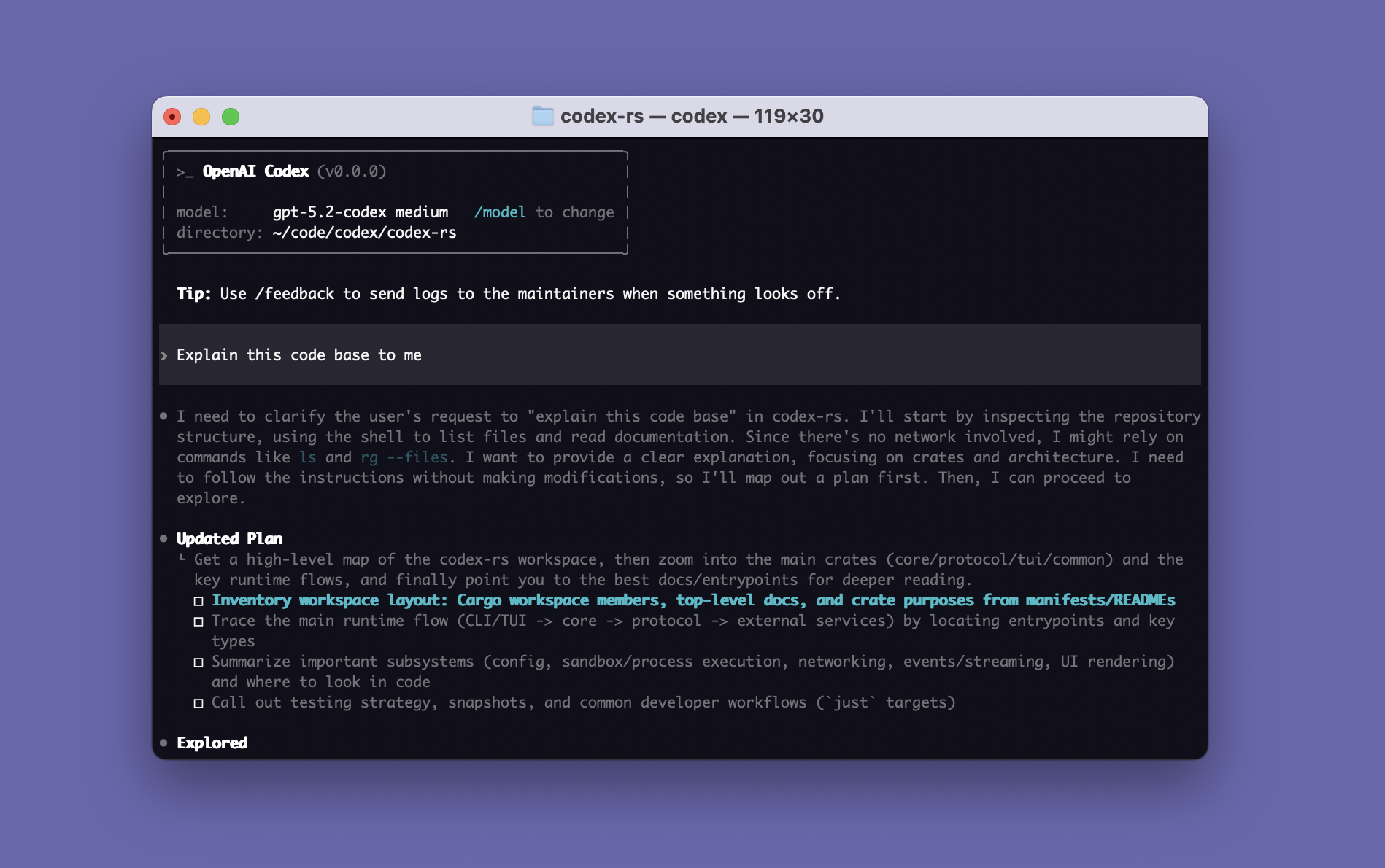
Image from the project README - Steps / points from the source
- Apple Silicon/arm64: codex-aarch64-apple-darwin.tar.gz
- x86_64 (older Mac hardware): codex-x86_64-apple-darwin.tar.gz
- x86_64: codex-x86_64-unknown-linux-musl.tar.gz
- arm64: codex-aarch64-unknown-linux-musl.tar.gz
- Codex Documentation
- Contributing
Verbatim from the source, untranslated.
- Prompt
The source does not include a prompt you can copy verbatim.
- How to copy
- Open the repo: github.com/openai/codex/issues/56307 ↗
- Read the README, send the repo link to your Bot and have it reproduce it
- Get it working small first, then add a routine
- Risks and limits
- Uses a browser or website login: the costliest kind of step, so prefer a connector where one exists
- The author's result may not reproduce for you; the original post is the reference
- Usage estimate
- Estimate with the metal calculator