Copy library / What got built / Grok Bot
Grok Bot Executive Branch cabinet demo
Title and summary are in the original language, not translated.
# Grok Bot Executive Branch cabinet demo

Source: https://github.com/theSethian/grok-executive-branch

Case study where Grok Bot built a nine-agent Executive Branch cabinet with terminal routing into the Oval Office.
- What it does
- Case study where Grok Bot built a nine-agent Executive Branch cabinet with terminal routing into the Oval Office.
- Scenarios
- Uncategorized
- What the source covers
- Author & original linkYes
- What it doesYes
- Verbatim source excerptYes
- Screenshots / mediaYes
- Steps / chaptersYes
- Verbatim prompt / configNot in source
- Results / numbersNot in source
- Risk notesYes
- Related entriesYes
— means the source doesn't say; we don't fill it in.
- Verbatim source excerpt
> Nine agents. One Oval Office. Four legacy processes. No off switch.
RongleCat/awesome-grok-bot (GitHub) · Open original ↗ From the project README, verbatim and untranslated.
- Screenshots
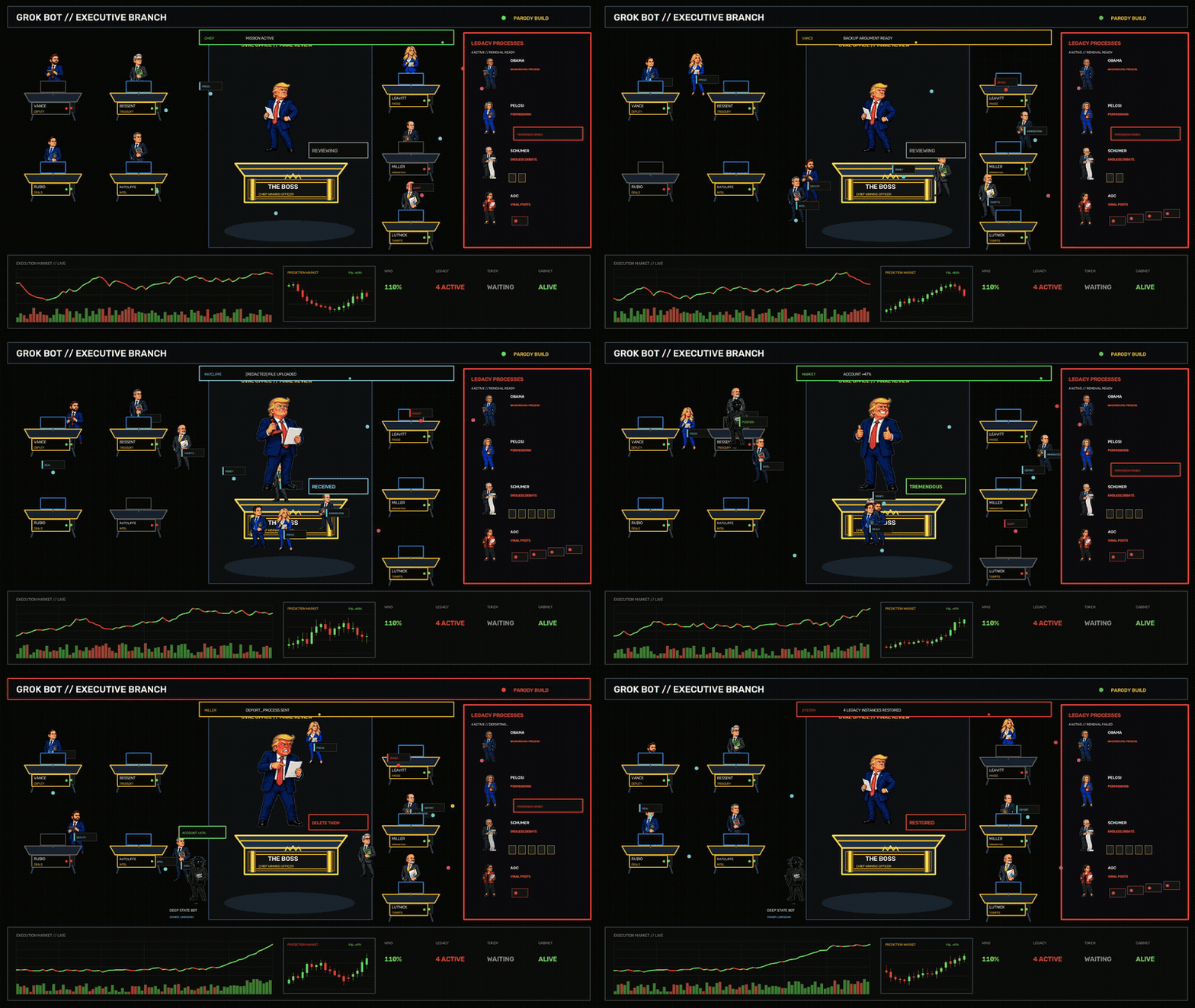
Image from the project README - Steps / points from the source
- Inbox declared a national emergency
- Budget balanced after someone deleted the minus sign
- Two meetings renamed as deals
- 100% of bad news classified as fake
- Token Bot fired
- Legacy Processes still running
Verbatim from the source, untranslated.
- Prompt
The source does not include a prompt you can copy verbatim.
- How to copy
- Open the repo: github.com/theSethian/grok-executive-branch ↗
- Read the README, send the repo link to your Bot and have it reproduce it
- Get it working small first, then add a routine
- Risks and limits
- The author's result may not reproduce for you; the original post is the reference
- Usage estimate
- Estimate with the metal calculator